How Smart Homes Make Life Easier: A Simple Guide for Beginners
You forgot to turn off the lights, again. You’re already in bed, too tired to get up, and you know the fan in the living room has been running all day. Small stuff, sure, but it adds up. That’s exactly the kind of friction that smart home technology was built to remove.
How smart homes make life easier isn’t a complicated story. It’s mostly about automatically taking the tiny, forgettable tasks off your plate. This guide walks you through exactly how that works, what it costs to get started, what devices are worth your money, and what beginners almost always get wrong when they first dive in—no technical jargon, no overhyped promises, just honest, practical information.
What Does a Smart Home Actually Mean? (Not What You Think)
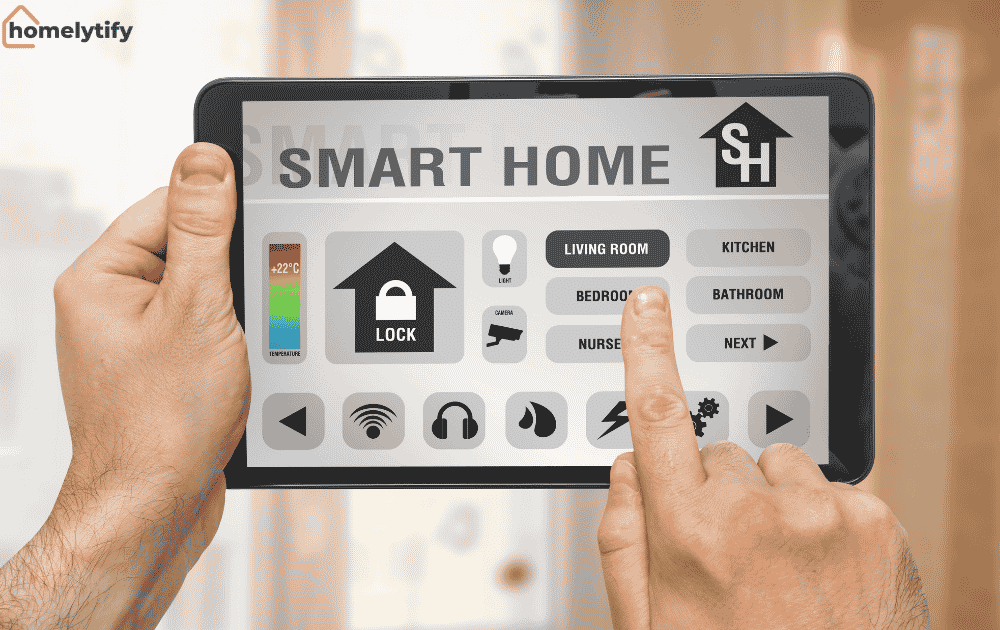
Most people picture a fully automated house with voice-controlled everything and a $50,000 setup. That’s not what a smart home is for the average person.
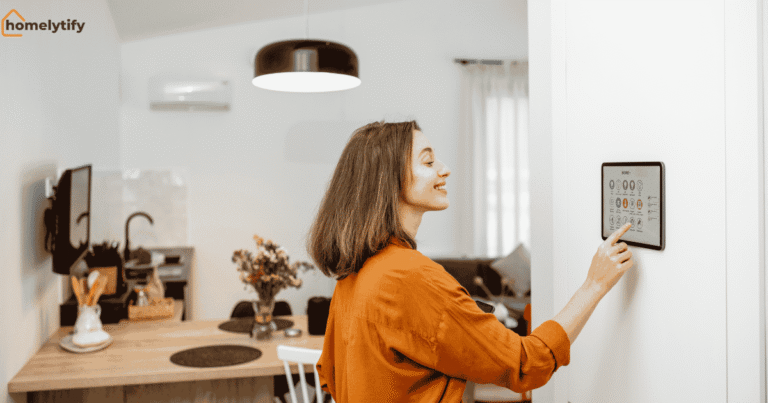
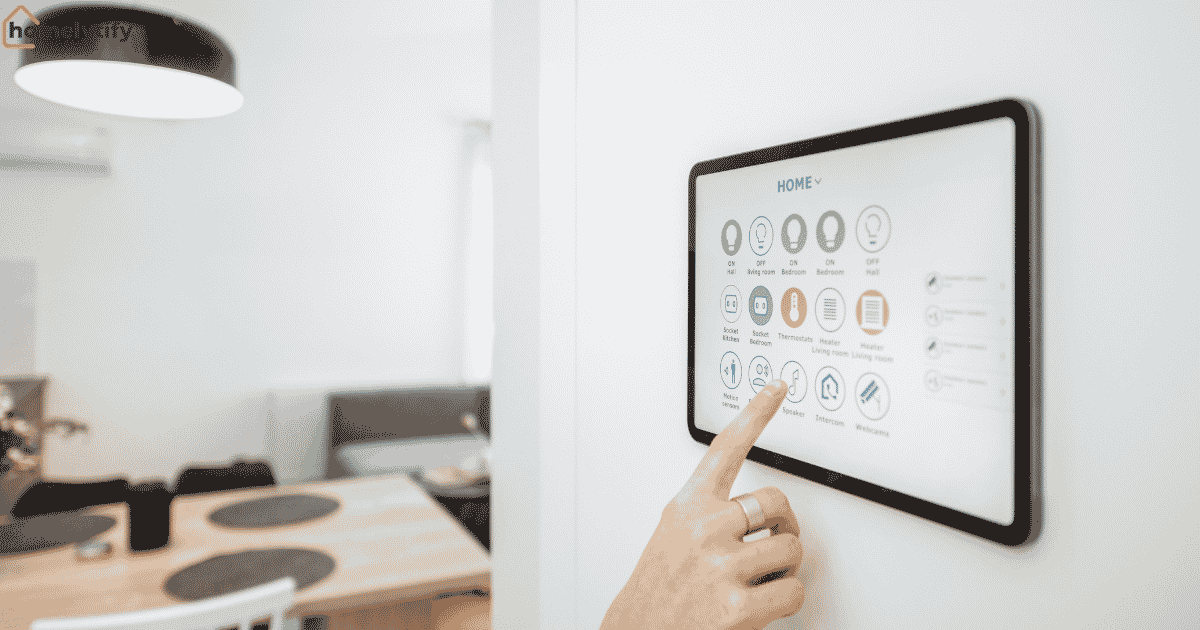
A smart home is simply a living space where certain devices, such as lights, locks, thermostats, cameras, and plugs, are connected to the internet and can be controlled remotely or set to work automatically.
That’s it. You don’t need a massive setup. Even three or four connected devices can meaningfully reduce your daily effort.
The Internet of Things (IoT) in home settings is the backbone of all this. Your devices communicate over your Wi-Fi network, and you control them via a smartphone app or a voice assistant like Amazon Alexa or Google Home. The magic isn’t in any single gadget; it’s in how they work together over time.
How Smart Homes Make Life Easier, Room by Room
The best way to understand the real value here is to walk through a day in a home that has even a basic smart setup. Not a tech demo, an actual normal day.
The Morning Routine Nobody Thinks About
It’s 6:45 AM. Your phone’s alarm goes off, and at the same time, a routine you set kicks in: the bedroom lights slowly brighten (instead of jolting you awake with a bright overhead light), the thermostat bumps up two degrees, and the coffee maker turns on all without you touching anything.
That’s not a fantasy. A smart plug on a coffee maker (roughly $15–$25), a smart bulb in the bedroom, and a free routine in the Google Home or Alexa app gets you there. That whole setup could cost under $60 and take 20 minutes to configure.
The cumulative effect of mornings that run smoother than usual is something you don’t appreciate until you’ve lived it for a few weeks.
The Kitchen and Living Room
Smart plugs are the unsung heroes of home automation. Plug in your microwave, your air purifier, your TV, and now you can turn them off remotely, schedule them, or include them in automated routines.
Forgot to switch off the slow cooker before leaving? Check your phone and turn it off in the office.
In the living room, a voice-controlled home setup really shines for simple stuff: dimming the lights for a movie without hunting for the remote, playing music across multiple rooms, or asking your assistant to set a timer while your hands are covered in dough.
Bedtime and Security
Here’s where things usually get overlooked by beginners. A simple “Goodnight” routine, one command or a scheduled trigger at 10:30 PM, can lock the front door, turn off all lights, lower the thermostat, and arm your smart security camera.
That’s six or seven individual actions that used to require you to walk around the house.
Smart home security isn’t about paranoia. It’s about knowing your front door is locked even when you’re 80% sure you locked it.
Smart Home Features That Save You Real Money
The energy savings are real, but they’re also specific, so let’s be honest about where the savings actually come from.
Smart Lighting Systems That Cut Energy Waste
Regular bulbs left on in empty rooms are a consistent, invisible drain on your electricity bill. Smart lighting systems fix this in two ways: you can schedule them (lights off at 11 PM no matter what), and some systems detect occupancy; if no one’s in the room for 15 minutes, the light turns off automatically.
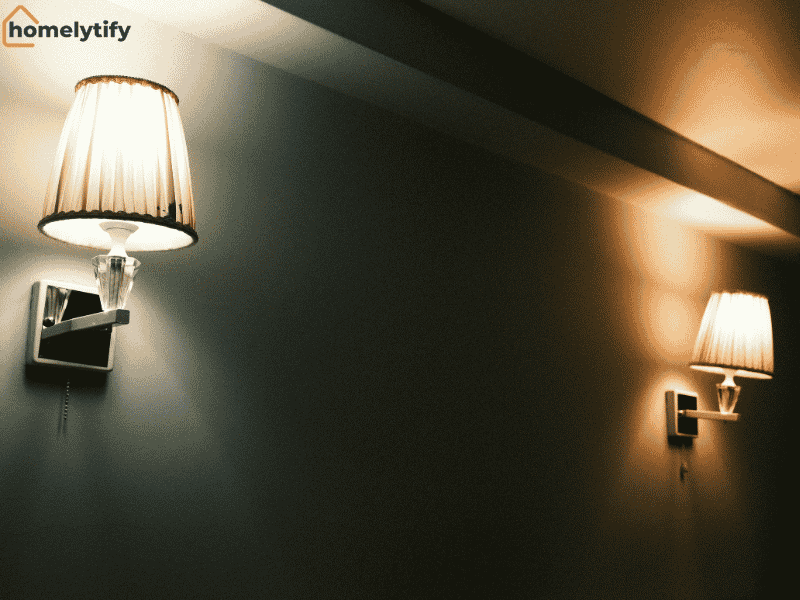
LED smart bulbs already consume far less power than traditional bulbs. Add automation on top of that, and a household that’s mildly careless about leaving lights on can see a noticeable reduction in the monthly bill within the first couple of months. It won’t pay off your mortgage, but over a year, the math is genuinely positive.
Energy Saving Through Smart Thermostats
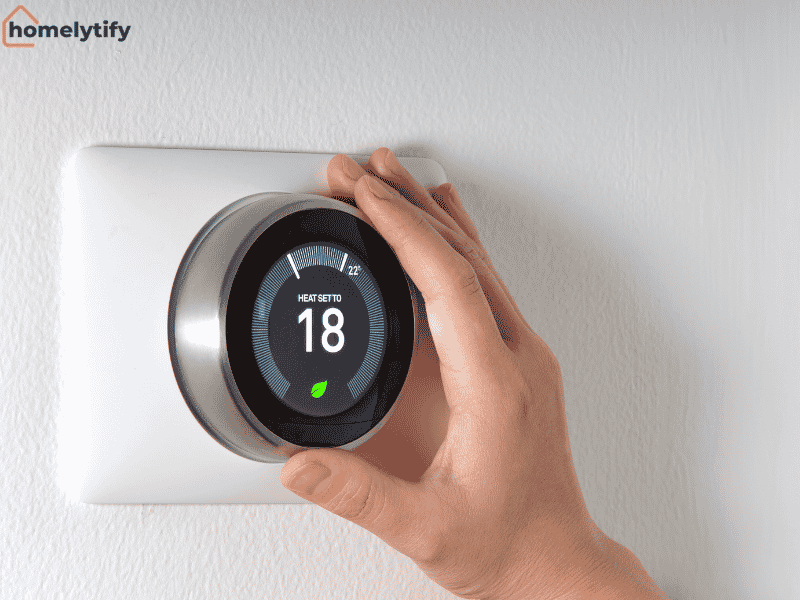
A smart thermostat is probably the single device with the clearest return on investment in any connected home setup — and I say that as someone who initially thought it was an overpriced gimmick.
I bought the Google Nest Learning Thermostat expecting to feel clever about it. What actually happened was more boring and more useful.
Within about a week, it noticed I leave the house around 8 AM on weekdays and stopped heating an empty home all day. I didn’t set a schedule.
It figured it out on its own. The first full month, my heating bill dropped noticeably. Not life-changing, but enough to stop second-guessing the purchase.
The feature I use most isn’t even the learning. It’s the app. Being able to check whether the heat is still running while I’m away, and turning it off with one tap, removes a specific low-grade anxiety that used to follow me on every trip. That small control is honestly worth more than the energy savings.
At $130–$150 for the device, most households break even within 12 to 18 months and save money every year after that.
How Smart Home Technology Works (The Simple Version)
You don’t need to understand the engineering to use a smart home effectively, but a basic picture helps you make better decisions when buying devices.
Every smart device has a small computer chip inside and a wireless radio, usually Wi-Fi, but sometimes Zigbee or Z-Wave (which use less power and work better for devices far from the router). These devices connect to a central hub or platform, such as Amazon Alexa, Google Home, or Apple HomeKit, which acts as the brain.
When you create a routine (“every weekday at 7 AM, turn on the kitchen light and start the coffee maker”), that instruction lives in the app, and the hub sends the signal at the right time. When devices work together like this, it’s called a home automation system working in a coordinated loop.
The one thing that can break all of this? A weak Wi-Fi signal. A cheap router is the most common reason smart home setups fail or behave inconsistently. If you’re serious about building a connected home, a mesh Wi-Fi system (brands like Eero or TP-Link Deco) is worth the investment. It gives you solid, consistent coverage throughout the house, with no dead spots.
The Best Way to Start Without Wasting Money
Here’s where most people get stuck. They either buy too much at once and feel overwhelmed, or they buy things that don’t work together. Neither is fun.
Start Small, Not All-In
Pick one problem in your daily routine that genuinely annoys you. Lights left on? Get two smart bulbs and a $25 smart plug. Security? A video doorbell. Always forgetting to lock the door? A smart lock.
Solving one real irritation will do more to convince you of the value of smart home devices than reading ten articles like this one. Once you feel that “why did I not do this sooner” moment, you’ll know exactly which part of your home to automate next.
A reasonable starter budget: $100–$200 gets you a voice assistant, two or three smart bulbs, and a smart plug. That’s enough to build a basic morning and evening routine.
Pick One Ecosystem and Stick With It
This is the decision most beginners skip, and it causes real headaches later. Amazon Alexa, Google Home, and Apple HomeKit are the three main platforms. Devices are generally compatible with one or two of them, not always all three.
If you use Android, go with Google Home. If you’re deep in the Apple world (iPhone, MacBook, iPad), HomeKit makes the most sense. If you just want the broadest device compatibility and an easy setup, Alexa is the most open platform.
Mixing ecosystems isn’t impossible, but it creates friction. Two smart home apps, occasional conflicts, devices that don’t trigger each other’s routines, it’s annoying in a way that defeats the whole point of convenience.
Smart Home Security: What It Actually Protects You From
Smart home security is often framed around burglars, and yes, it helps with that. But the day-to-day value is more mundane and honestly more useful than anything dramatic.
A video doorbell tells you when a package arrives and whether someone picked it up. A motion-sensing camera outside sends an alert if someone walks up your driveway at 2 AM. A smart lock logs every time the door is unlocked, so you know whether your kid got home from school or whether your house cleaner left earlier than expected.
Smart locks also solve a specific problem that sounds small but is genuinely stressful — the “did I lock the door?” anxiety on the way to the airport. You check the app. It says locked. You move on.
According to Fortune Business Insights, the global smart home market reached $147.52 billion in 2025, with security driving a significant share of that growth — and cyberattacks targeting smart home devices increased by 124% in 2024 alone. That second number matters. People are buying security devices in record numbers, but the devices themselves need to be secured properly.
One thing worth being honest about: every connected device is a potential entry point if not properly secured. Use strong, unique passwords, enable two-factor authentication, keep firmware updated, and put your smart devices on a separate guest Wi-Fi network. Basic habits, but they matter.
Is a Smart Home Worth It If You’re Renting?
This is a question competitors rarely address, and it’s a real one because a huge portion of people interested in smart homes are renters who can’t drill into walls or rewire anything.
The good news: most of the genuinely useful smart home automation requires no permanent installation. Smart plugs, smart bulbs, smart speakers, and video doorbells (some models are battery-powered and can be mounted with adhesive) all work without touching the walls. Even though some smart locks are renter-friendly, they replace the inner portion of a deadbolt and are reversible.
What you can’t easily do as a renter: install a wired smart thermostat (though some have renter-friendly versions), hardwire cameras, or set up whole-home audio systems.
The honest renter’s smart home kit: a smart speaker ($30–$50), a few smart bulbs ($10–$15 each), two smart plugs, and a battery-powered camera. Total cost: under $150. It’ll handle most of the daily convenience use cases without leaving a single mark on the wall.
Common Mistakes Beginners Make With Smart Home Automation
A lot of smart home frustration is predictable, and most of it comes down to avoidable decisions at the start.
Buying without checking compatibility. This is the most common mistake. Someone buys a smart bulb, gets home, and discovers it only works with Alexa, but they have a Google Home. Always check compatibility before purchasing. Look at the box or the product page for the supported ecosystems.
Underestimating Wi-Fi requirements. Smart home devices multiply the number of devices on your network. A budget router handling 20+ connected devices, phones, laptops, TVs, and now bulbs and plugs often starts dropping connections. If your devices randomly go offline, the router is usually the culprit, not the devices themselves.
Building routines that are too complicated. Beginners sometimes build elaborate automations right away: “If I leave home AND it’s after 6 PM, AND the weather is cloudy, then do these seven things.” These break constantly. Build simple, reliable routines first. Complexity can come later when you know the system well.
Ignoring updates. Smart home devices receive firmware updates for security patches and bug fixes. Devices that haven’t been updated in a year are genuinely more vulnerable. Most platforms let you enable auto-updates; turn that on.
Buying cheap, off-brand devices. There are dozens of unknown-brand smart plugs and bulbs on Amazon for $5 each. Some work fine. Many disconnect constantly, have terrible apps, or stop receiving updates within a year. Stick to known brands, TP-Link Kasa, Philips Hue, Wyze, Govee, or Amazon’s own Basics line at least while you’re learning.
Conclusion
A smart home doesn’t have to mean a high-tech overhaul. It can start with a $25 smart plug and a free app, and it can meaningfully reduce the small friction that stacks up across a normal day. Lights that turn off by themselves, a door that locks automatically, a thermostat that adjusts without you touching it, none of this is revolutionary. It’s just your home working a little harder on your behalf.
The people who get the most out of home automation are the ones who start with one real problem, solve it well, and build from there. Not the ones who buy fifteen devices on launch weekend and give up when something doesn’t connect.
Start small. Pick an ecosystem. Solve something that actually bothers you. That’s the whole guide, really.
Frequently Asked Questions
What is the easiest smart home device to start with?
A smart plug or a smart bulb is the easiest starting point. Both are inexpensive (often under $20), require no professional installation, and work with every major platform: Alexa, Google Home, and Apple HomeKit.
Do smart home devices work without the internet?
Most smart home devices need an internet connection to function fully, especially for remote control and automation routines. Some devices have limited local control (working just on your home Wi-Fi without internet), but most features require connectivity.
Are smart homes safe from hackers?
They can be, with the right precautions. Use strong passwords, enable two-factor authentication, keep devices updated, and place smart devices on a guest Wi-Fi network separate from your personal devices. These steps cover the vast majority of risks for a typical home setup.
How much does a basic smart home setup cost?
A functional beginner setup, a smart speaker, two to four smart bulbs, and a smart plug typically costs between $80 and $200. A smart thermostat adds another $130–$200 but often pays for itself in energy savings within 12 to 18 months.
Can renters use smart home technology?
Yes. Most of the best smart home devices for beginners require no permanent installation. Smart plugs, smart bulbs, battery-powered cameras, and smart speakers all work in rental homes without any modifications to the property.