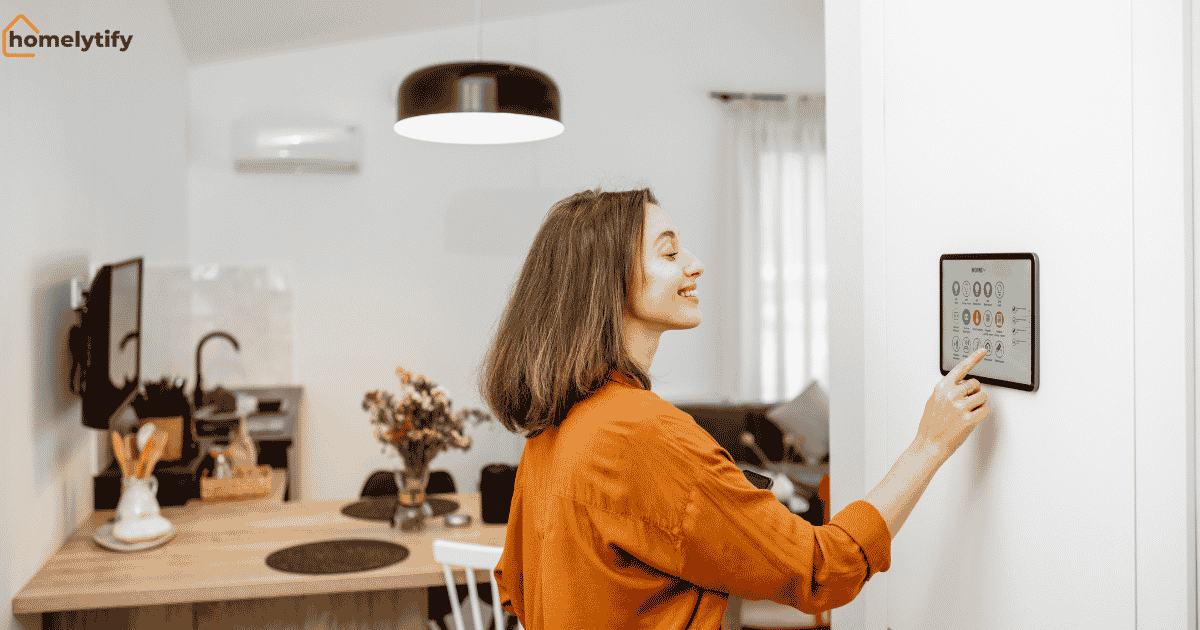
What Is a Smart Home Device? The Complete Beginner’s Guide
You have heard the term “smart home device” thrown around so many times that it feels like something you should already understand. Your neighbor controls their lights with their phone.
Your coworker set up a doorbell camera that they can check from anywhere. And somewhere in the back of your mind, you are curious but also slightly confused about where even to start.
That confusion is completely normal. The smart home world has a habit of sounding far more complicated than it actually is.
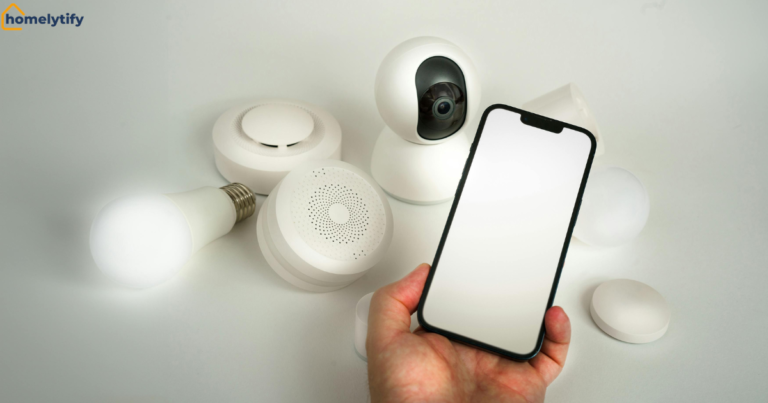
A smart home device is simply any home appliance or gadget that connects to the internet and can be controlled remotely through your phone, your voice, or automated rules you set in advance. That is the whole concept.
This guide explains how smart home devices work, what types exist, what beginners should actually buy first, and what most people get wrong when they start. No technical jargon. No product sales pitch.
Just a clear, honest explanation that helps you decide whether any of this makes sense for your home and your life.
What Is a Smart Home Device, Really?
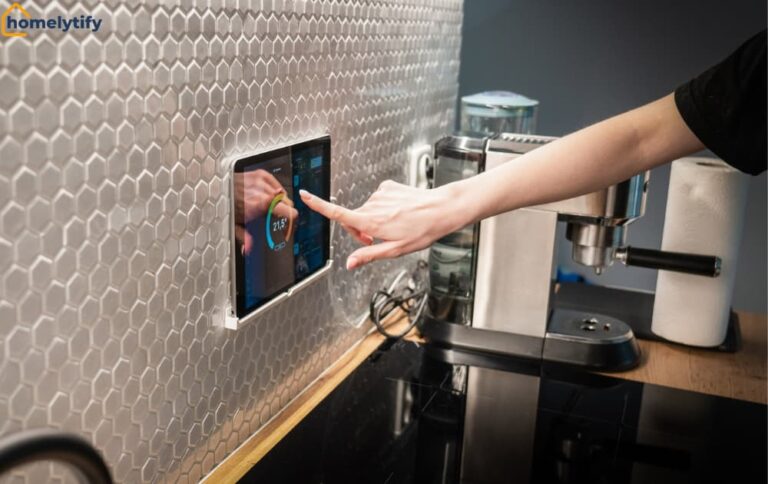
A smart home device is a regular household item, a light bulb, a door lock, a thermostat, with one key addition: it can connect to a network and be controlled beyond the physical switch or button.
That is a meaningful difference. Your regular light switch does one thing. Flip it up, and the light comes on. Flip it down, and it goes off. A smart light bulb does the same thing but also responds to your phone, your voice, a timer you set, or a motion sensor in another room. The light bulb itself is not dramatically different. What changes is the layer of control sitting on top of it.
Most people think of smart home technology as something futuristic or complicated. It is neither. At its core, home automation is about giving ordinary home objects the ability to communicate with you, with each other, and with the internet.
How It Differs From a Regular Home Appliance
A regular appliance does exactly one job. A kettle boils water. A fan moves air. A deadbolt locks a door. It requires you to be physically present to operate it, and it has no awareness of anything happening around it.
A smart home device does the same job but adds awareness and remote access. A smart kettle can be scheduled to start boiling before you get out of bed. A smart fan can adjust speed based on the room temperature automatically.
A smart lock can be unlocked from your phone when you are 200 miles away, and a trusted person needs to get in. The underlying function is identical. The difference is control, timing, and flexibility.
One distinction worth knowing: not every connected device is genuinely useful. Some smart devices add connectivity without adding meaningful value to your daily life. The question is never just whether something is smart; it is whether the smart version solves a real problem you actually have.
How Does a Smart Home Device Actually Work?
Here is where most explanations lose beginners. They go straight into networking protocols and cloud architecture, and by the third paragraph, the reader has closed the tab.
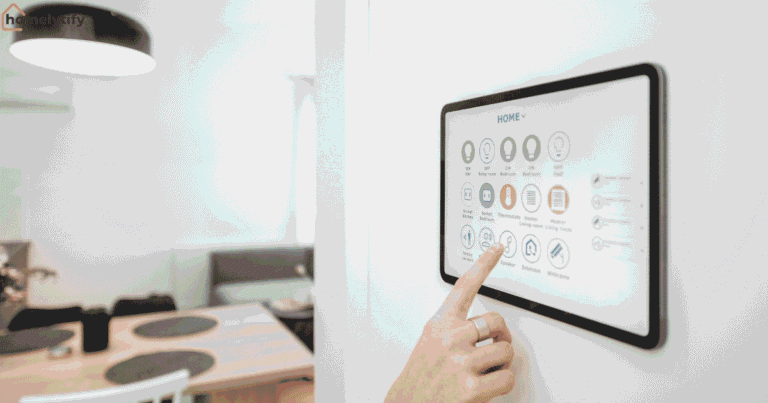
The simple version: a smart home device connects to your home network, usually your Wi-Fi, and receives commands from an app on your phone or from a voice assistant like Alexa or Google Assistant.
You send a command, the network carries it to the device, and the device responds. That is the entire chain. The more detailed version is only worth knowing if something is not working, which you can deal with when and if it happens.
The Role of Wi-Fi, Bluetooth, and Smart Hubs
Different smart home devices use different methods to connect and communicate. Understanding the basic differences helps you avoid buying devices that will not work together.
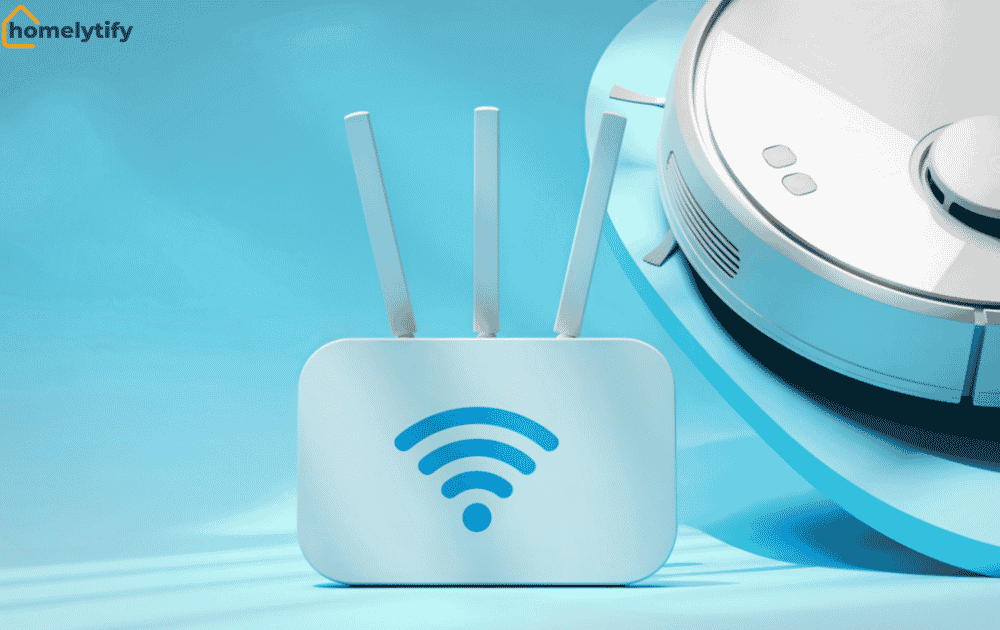
Wi-Fi is the most common connection method for beginners. Your home already has it. Most entry-level smart devices, such as smart plugs, smart bulbs, and smart speakers, connect directly to your existing Wi-Fi network and work immediately through a companion app.
No additional equipment needed. This is the easiest starting point.
Bluetooth is used for devices that only need to communicate over a short range, usually within the same room. Some smart speakers and smart locks use Bluetooth. The limitation is distance.
Bluetooth signals do not reliably travel through walls or across larger homes, which is why most smart devices prefer Wi-Fi.
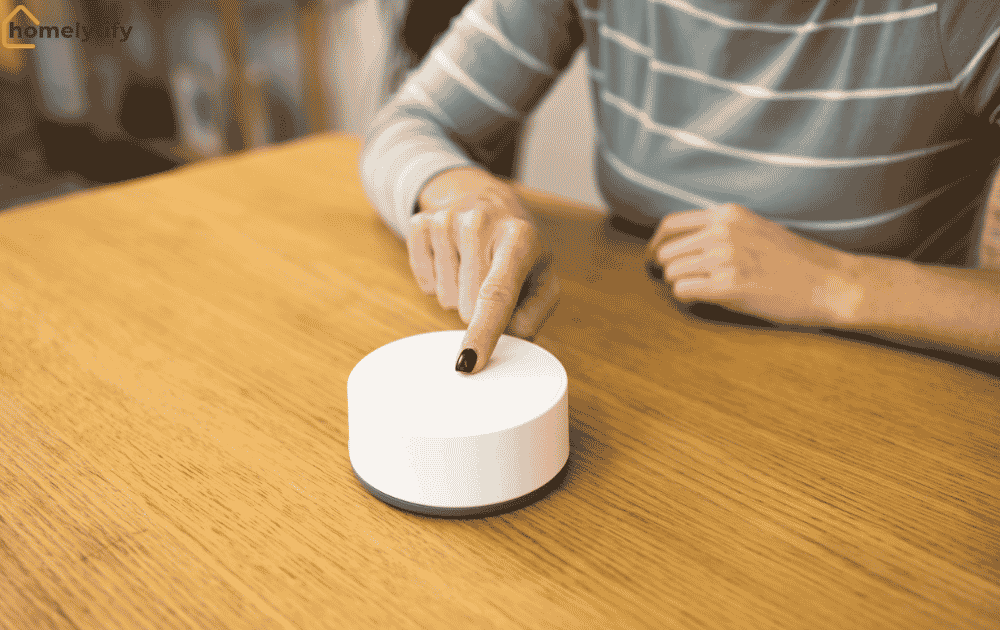
Smart hubs become relevant when you have multiple devices from different brands that do not naturally communicate with each other. A hub sits in the middle and acts as a translator, letting everything work together through one system.
Amazon Echo, Google Nest Hub, and Apple HomePod all serve this function to varying degrees. If you are just starting with one or two devices, you almost certainly do not need a hub yet. Add that complexity only when you actually need it.
The honest advice for beginners: start with Wi-Fi-connected devices from within one ecosystem, either Amazon Alexa, Google Home, or Apple HomeKit, and you will avoid most compatibility headaches entirely.
Types of Smart Home Devices Every Beginner Should Know
The smart home device category is broader than most people realize. It covers everything from light bulbs to refrigerators, but not all of it is equally useful or equally beginner-friendly.
Here are the categories that actually matter when you are starting.
Smart Speakers, Locks, Lights, and More
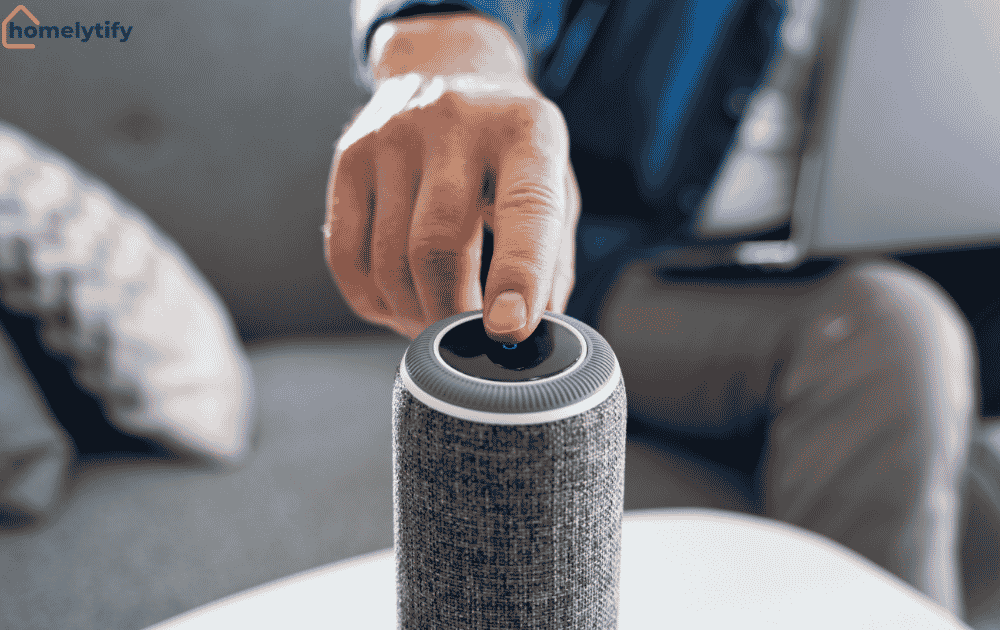
Smart speakers and voice assistants. An Amazon Echo or Google Nest Mini is often the first smart home device people buy, and for good reason. It acts as the central control point for everything else.
You can control other devices with your voice, set timers, play music, and get quick answers. They start at around thirty dollars, and the setup takes under ten minutes.
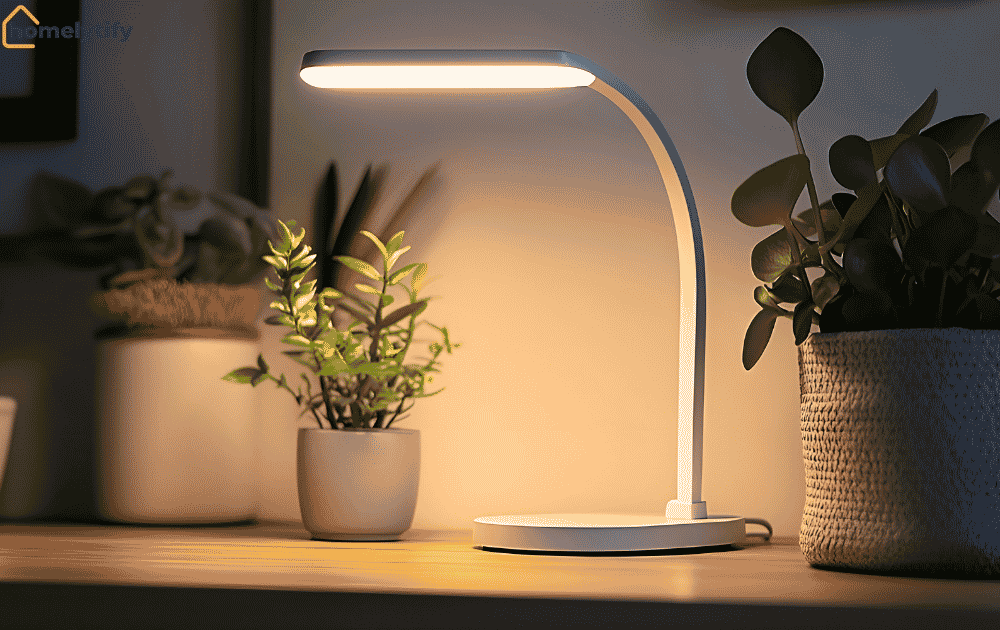
Smart lighting. Smart bulbs screw into existing fixtures and connect to Wi-Fi. You can control them from your phone, set schedules, dim them, and in some cases change their color temperature.
A single smart bulb costs between eight and twenty dollars. This is the lowest-friction entry point into home automation because installation requires zero tools and zero technical knowledge.
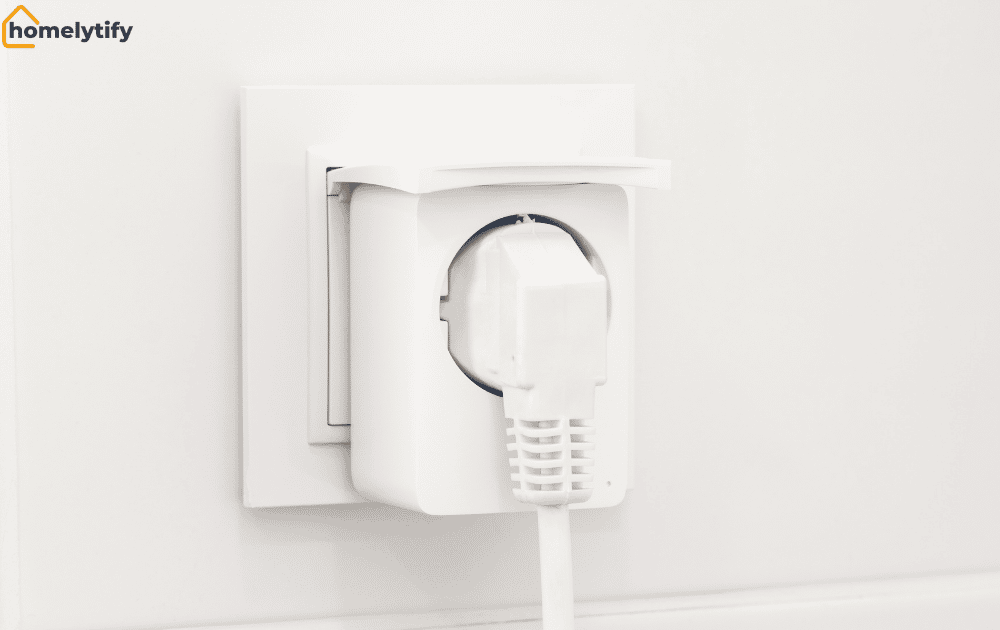
Smart plugs. A smart plug sits between your regular appliance and the wall outlet, turning any device into a remotely controllable one. Plug in a lamp, a fan, or a coffee maker, and you can turn it on or off from your phone from anywhere.
Smart plugs cost ten to twenty dollars and require no installation beyond plugging them in. For beginners, this is often the most immediately useful purchase.
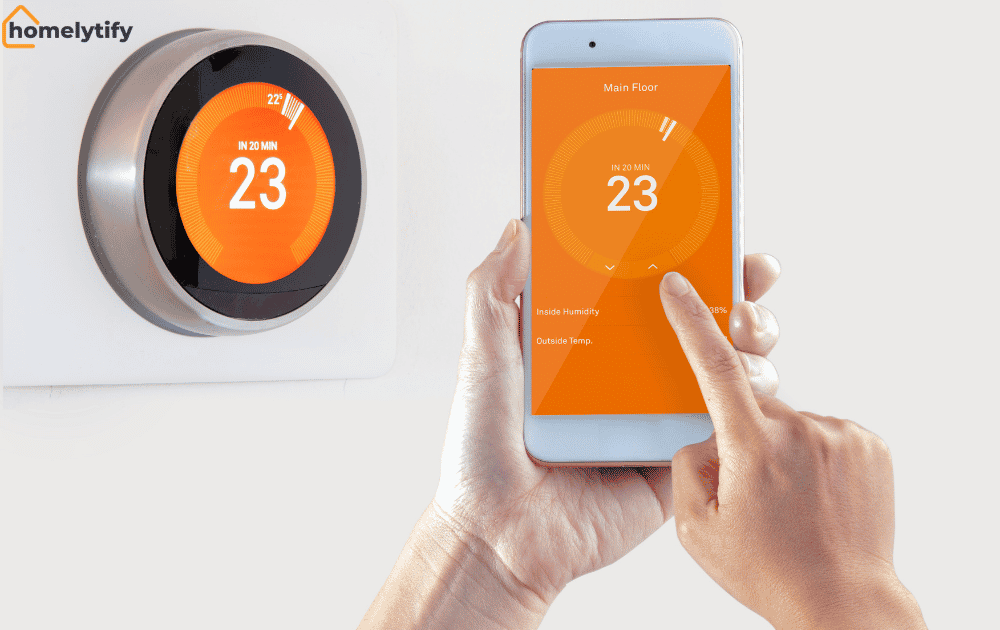
Smart thermostats. These replace your existing thermostat and learn your schedule over time, adjusting temperature automatically to save energy when you are away and bring the home to a comfortable temperature before you return.
Installation requires a bit more confidence connecting a few wires, but most models include clear instructions. They typically cost between eighty and two hundred dollars and can meaningfully reduce energy bills over time.
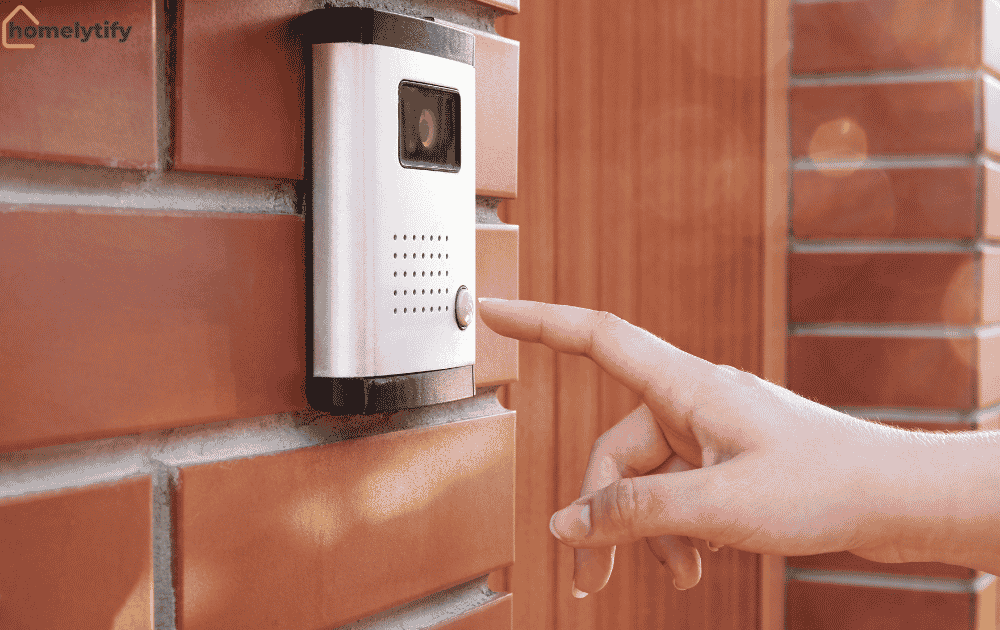
Smart doorbells and home security cameras. A smart doorbell shows you a live video feed of your front door on your phone and lets you speak to whoever is there, whether you are home or not.
Security cameras extend this visibility to other areas. These are among the most practically useful smart home devices for families and people who are frequently away from home.
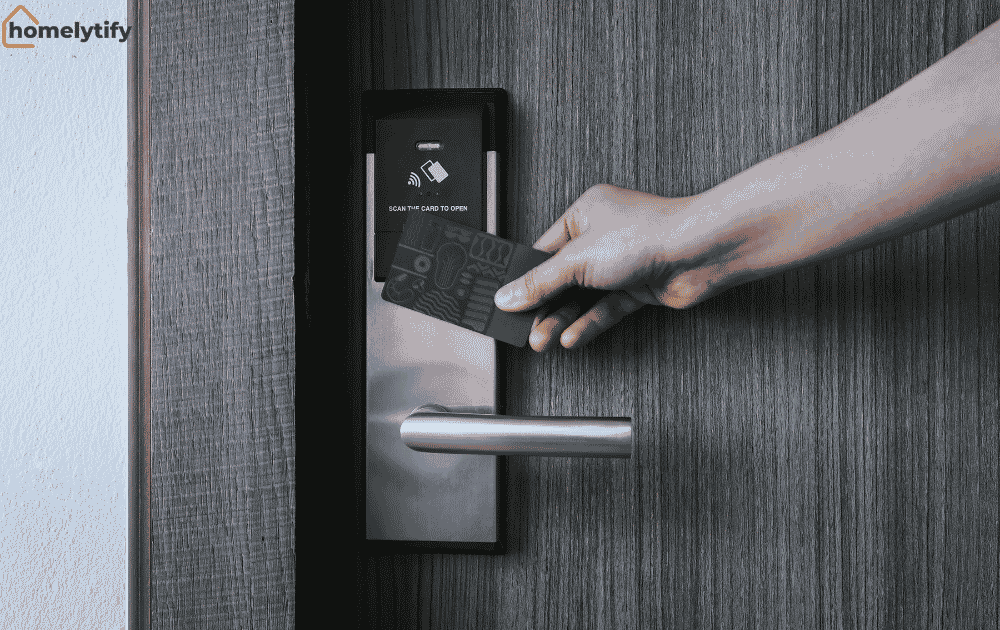
Smart locks. A smart lock replaces your existing deadbolt and lets you lock or unlock your door remotely, set access codes for specific people, and receive notifications when the door is used.
Useful for families, for people who frequently lose keys, and for anyone who has ever had the nagging worry of whether they locked the door after leaving.
Top Benefits of Adding a Smart Device to Your Life
The benefits of smart home devices are constantly oversimplified. Every article lists convenience, energy saving, and security. Those are real, but they are not the whole picture.
Here are the benefits worth taking seriously with honest caveats attached.
Genuine time recovery. Automating repetitive home tasks like turning off lights, adjusting the temperature, and checking the door remotely saves real time over months. However, the cumulative savings are often smaller than what the marketing suggests.
If you cook with your hands full regularly, voice control of a kitchen timer genuinely changes the experience. These are not life-changing moments. They are daily small frictions eliminated.
Meaningful security improvement. A smart doorbell camera that lets you see and speak to whoever is at your door has a practical safety value that goes beyond convenience. The same applies to smart locks with individual access codes.
You can give a temporary code to a house cleaner or dog walker and revoke it remotely when it is no longer needed. This is a genuinely useful capability that regular locks cannot match.
Energy efficiency with real numbers. A smart thermostat set to stop heating an empty home during work hours and restart before you return makes a measurable difference to your bills. According to a study published by the American Council for an Energy-Efficient Economy, smart thermostats can reduce heating and cooling costs by 10 to 15 percent annually in average households.
The less-discussed benefit is peace of mind. Being able to check whether the back door is locked, whether the oven was left on, or whether your child got home safely from school has a psychological value that does not appear in any feature list.
For parents, especially, remote visibility and control of the home provides a level of reassurance that is genuinely valuable and genuinely hard to put a price on.
How to Choose the Right Smart Home Device for Your Needs
This is where most beginners get overwhelmed. The options are enormous, and the marketing for every device sounds compelling.
The solution is to start from the problem, not from the product. Ask yourself one question first: what is the most annoying or inconvenient thing about my daily home experience? The answer tells you exactly which device to buy first.
Key Questions to Ask Before You Buy
Does it work with what I already own? If you have an Amazon Echo, check that the device works with Alexa before buying. If you use Apple products heavily, check for HomeKit compatibility.
Device compatibility is the most common source of frustration for beginners and the easiest to check before spending money.
Does my Wi-Fi reach where this device will live? Smart devices that rely on Wi-Fi need a strong signal at their location. A smart plug in a basement or a smart lock on a back door far from your router may have connection issues.
Check your signal strength at the location before buying.
What does setup actually require? Most smart plugs and bulbs need five minutes and a phone. Smart thermostats need fifteen to thirty minutes and basic confidence with wiring. Smart locks require replacing the hardware. Know what you are signing up for before the device arrives.
What happens if the internet goes down? Most smart devices lose remote functionality without internet. Some, like smart locks, retain local functionality, so you can still use a key or a keypad.
Know which functions require internet and which work offline before you rely on a device for something critical.
Is there a monthly subscription involved? Some smart home cameras and security systems require a monthly fee for cloud storage or premium features. Know the ongoing cost before committing.
Common Mistakes Beginners Make With Smart Home Devices
I made almost every mistake on this list. My first smart home purchase was a smart thermostat. I was excited, ordered it the same day I discovered it, and spent an entire Saturday afternoon staring at wires I did not understand. The installation manual assumed I already knew what a C-wire was. I did not. Neither will most beginners.
That one afternoon taught me more about starting smart home setups correctly than anything I read online. So here are the mistakes I made, and that I see beginners repeat constantly.
Buying without checking ecosystem compatibility. I bought three devices from three different brands in my first month. I ended up with three separate apps that did not talk to each other. Every morning felt like managing three separate systems instead of one. Always confirm devices work within the same ecosystem before purchasing.
Starting with the most complicated device first. A smart thermostat that requires wiring is not the right first purchase. Start with a smart plug or a smart bulb. Both require zero installation beyond plugging in and downloading an app. Build confidence first, then tackle anything that involves wires.
Ignoring Wi-Fi signal strength. My smart lock on the back door kept disconnecting. The problem was not the lock. It was that my router signal barely reached that corner of the house. A twenty-dollar Wi-Fi extender fixed it completely. Before buying any smart home device, check your signal strength at the exact location where it will live.
Skipping privacy settings. Default settings on most smart devices are the bare minimum. The day I set up my first smart camera, I did not change the default password. I did not enable two-factor authentication. I did not check what data was being stored or where. It took ten minutes to fix all of that once I knew to look. Do it on day one, not after something goes wrong.
Buying too much too fast. I bought eight devices in my first month. Four of them are still in a drawer. Excitement is not a good buying strategy. Start with one or two devices that solve a real daily problem. Live with them for a few weeks. Then decide what actually makes sense to add next.
Is Your Home Ready for a Smart Device?
Most homes are already ready. That is the honest answer. The requirements are lower than most beginners assume.
You do not need a new home, a renovation, or specialized wiring. You need a working Wi-Fi connection and a smartphone. That is the baseline for almost every entry-level smart home device available.
What Setup Do You Actually Need?
Wi-Fi network. A standard home Wi-Fi network handles most smart home devices without any upgrades. If your home is large or has dead zones, a Wi-Fi extender or a mesh network system will improve device reliability significantly.
A smartphone. Every smart home device requires a companion app for initial setup. After setup, many devices can be controlled by voice or automated rules, but the initial configuration always happens through a phone.
A chosen ecosystem. Decide before buying whether you are building around Amazon Alexa, Google Home, or Apple HomeKit. This is not a permanent commitment; you can change it later, but starting with one ecosystem prevents the most common compatibility problems beginners face.
That is it. No smart hub required at the beginning. No professional installation for basic devices. No subscription fees for most entry-level products. The barrier to entry is lower than the category’s reputation suggests.
A realistic starting budget is thirty to sixty dollars for a smart speaker and one smart plug or smart bulb. That gives you a fully functional beginner smart home experience and enough practical exposure to know whether you want to expand.
Conclusion
For most people, yes, but the answer depends entirely on which device you buy and whether it solves a real problem in your daily life.
A smart plug that lets you control a lamp from your phone is worth ten dollars if you frequently forget to turn it off. A smart thermostat is worth the investment if your heating bills are high and your schedule is predictable.
A smart doorbell camera is worth it if you care about knowing who is at your door when you are not home or cannot easily get to the door.
The wrong version of this question is whether smart home technology is worth it in general. The right version is: which specific smart home device solves the most annoying part of my daily home experience right now?
Start there. Buy one device. Set it up. Live with it for a few weeks. That hands-on experience will teach you more about what you actually want from a smart home than any guide can.
The technology is accessible and affordable at the entry level, and genuinely useful for the right use cases. You do not need to figure it all out before starting. Pick the smallest, cheapest device that addresses a real daily frustration and begin there.
Frequently Asked Questions
What is a smart home device?
A smart home device is any household appliance or gadget that connects to the internet and can be controlled remotely through a smartphone app, voice commands, or automated schedules. Examples include smart bulbs, smart plugs, smart thermostats, smart locks, and smart speakers. The device performs the same function as a regular appliance but adds remote control and automation capabilities.
What smart home device should a beginner buy first?
Beginners should start with either a smart plug or a smart bulb. Both cost between ten and twenty dollars, require no installation beyond plugging in and downloading an app, and work with all major smart home ecosystems, including Amazon Alexa and Google Home. A smart speaker like an Amazon Echo or Google Nest Mini is a useful addition as a central control point for everything else.
Do smart home devices need Wi-Fi to work?
Most smart home devices require Wi-Fi for remote control and app functionality. Some devices also use Bluetooth for short-range communication. Without the internet, most smart devices lose remote access, but some retain basic local functions. Always check what functions require an internet connection before relying on a device for anything critical.
Are smart home devices safe and private?
Smart home devices with cameras and microphones are always-on devices in your home. To protect your privacy, change default passwords immediately after setup, enable two-factor authentication on your smart home accounts, and review what data each device collects. Most reputable brands have transparent privacy policies and settings that let you limit data collection.
Do smart home devices work with each other?
Smart home devices work best together when they are part of the same ecosystem, such as Amazon Alexa, Google Home, or Apple HomeKit. Devices from different brands within the same ecosystem can be controlled from one app or by voice. Devices across different ecosystems often require separate apps and cannot be automated together without a smart hub.